Link Auth: a 2FA authenticator built for trading accounts
The first security product from the LINKSOFT team, and the companion authenticator for the relaunched LinkTradePro. TOTP and HOTP codes refresh on their own, with batch transfer, app lock and device authentication layered on top — so every sign-in and every order carries one more visible confirmation.
When 2FA turns from a compliance box into daily friction
Verification codes are the last gate on a trading account, and the one most easily overlooked. Leaked credentials, SMS floods and codes lost on a device swap rarely trace back to a weak security policy — they trace back to a workflow that is painful in daily use. Link Auth shortens that step and makes it auditable.
Four workflows that make 2FA feel routine
Read, add, transfer and lock — each one finished within a single tap.
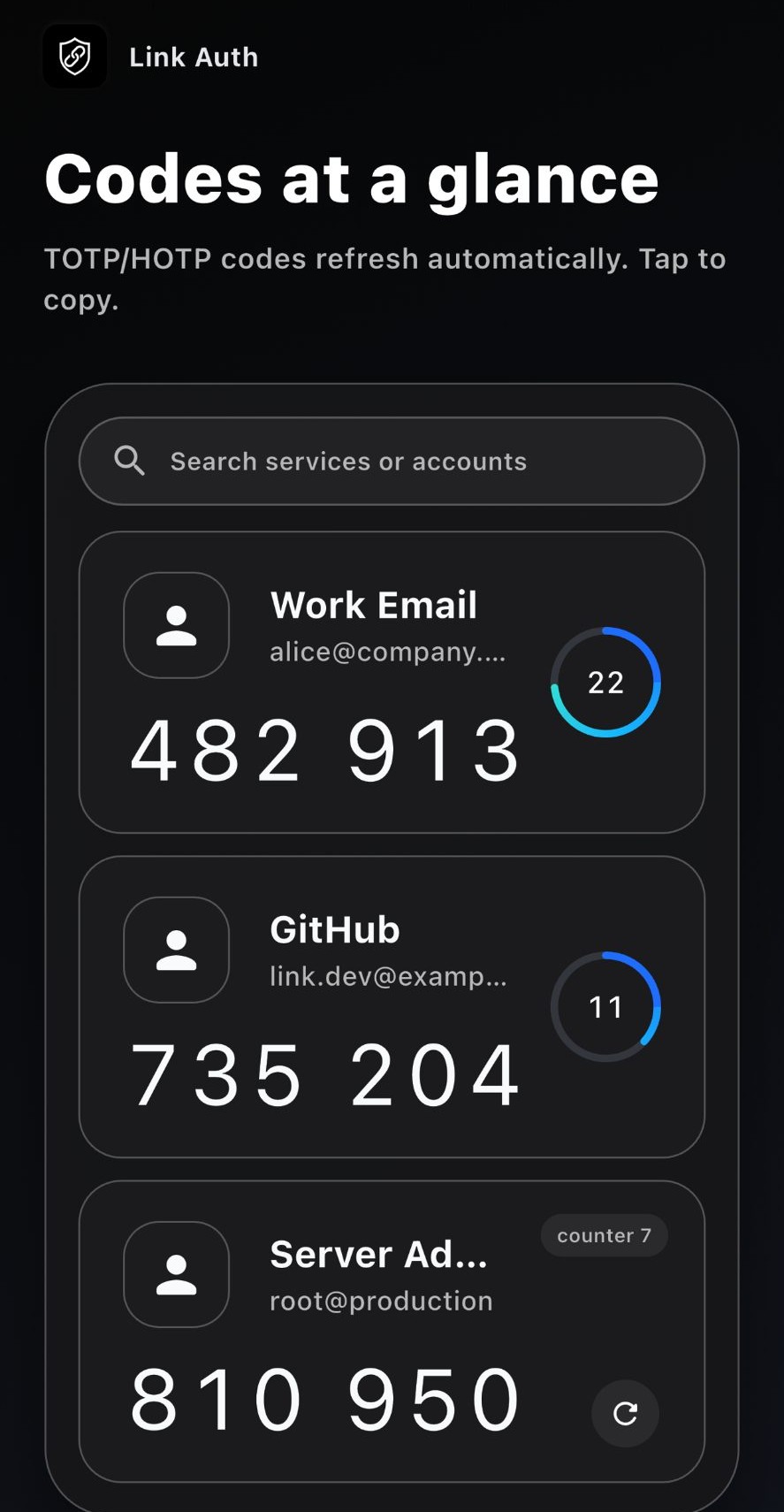
Every code, at a glance
All authenticators sit in one list, indexed by service and account. A circular countdown shows the remaining validity window, and a single tap copies the code — no more switching back to SMS or email.
- TOTP and HOTP refresh automatically when they expire
- Search by service name or account, even across dozens of entries
- Tap to copy, paste to sign in
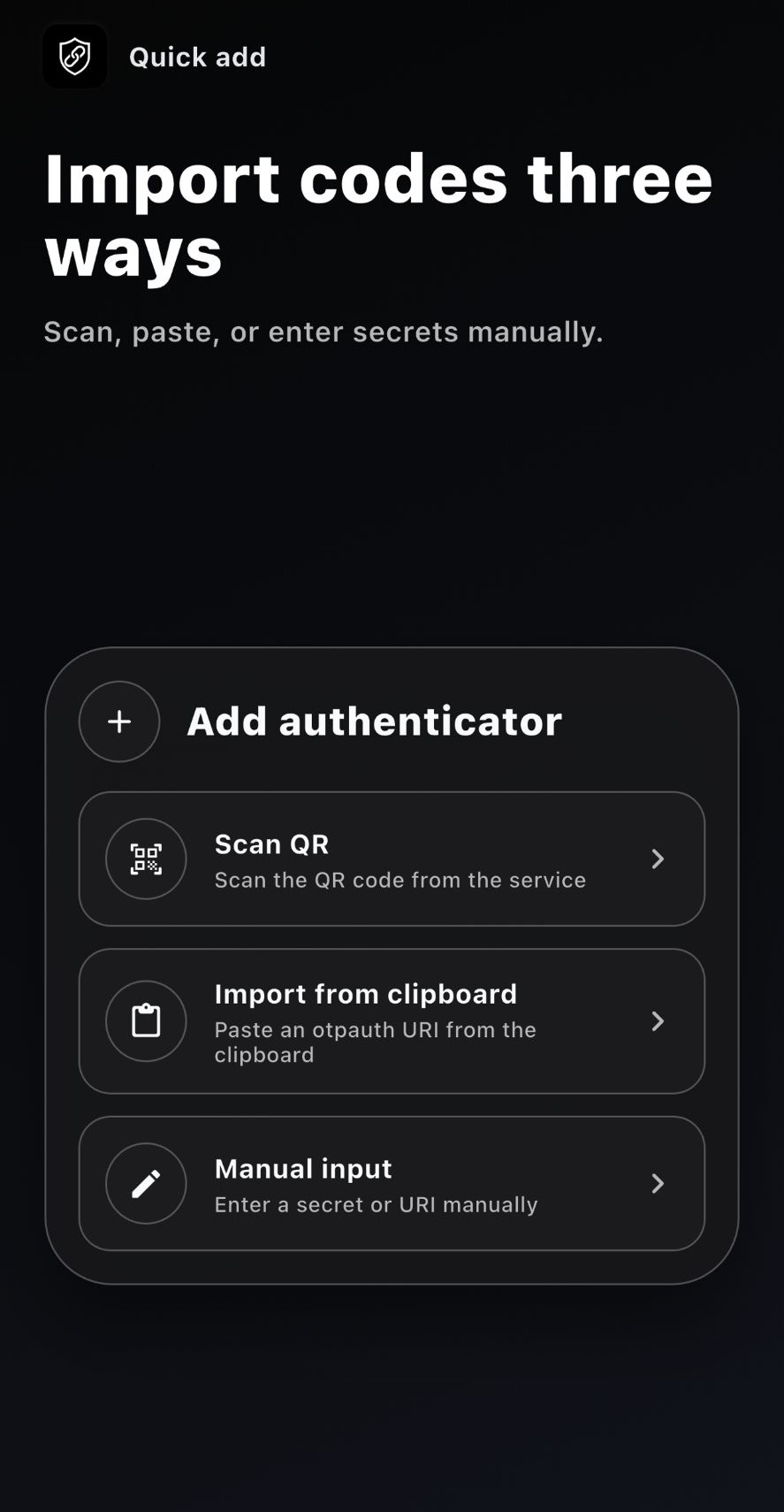
Add authenticators three ways
Scan the QR code the service shows you, paste an otpauth URI you already copied, or type the secret by hand. The three common enrollment paths are covered, with no format conversion tool in between.
- Scan the QR code provided by the service
- Import straight from the clipboard with an otpauth URI
- Enter the secret key or URI manually
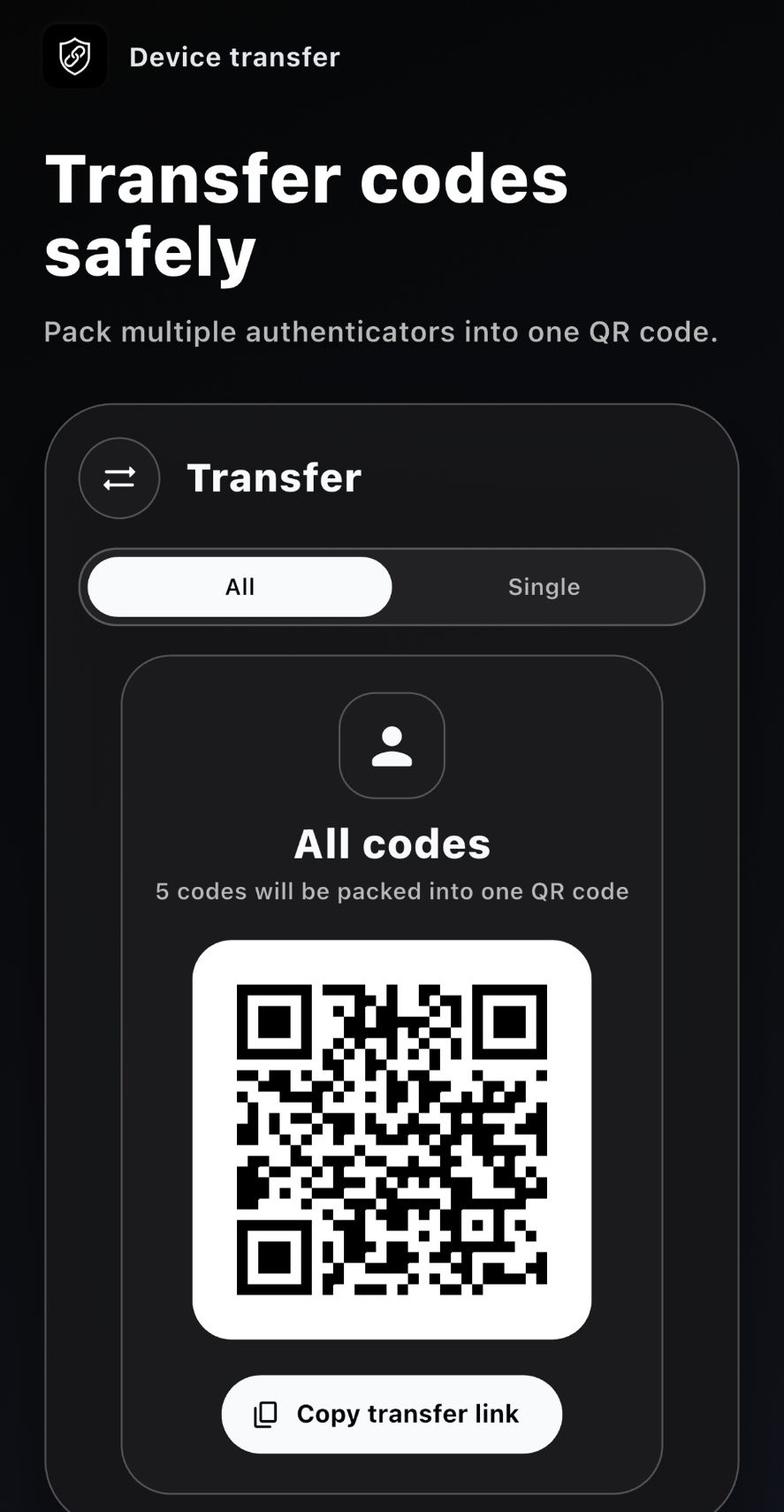
Move to a new phone without losing codes
Pack several authenticators into a single QR code and scan it on the new device. Transfer one entry or the whole set, and share the transfer link with one tap instead of re-enrolling each account.
- Transfer the full set or a single entry
- Multiple authenticators packed into one QR code
- Copy the transfer link in one tap
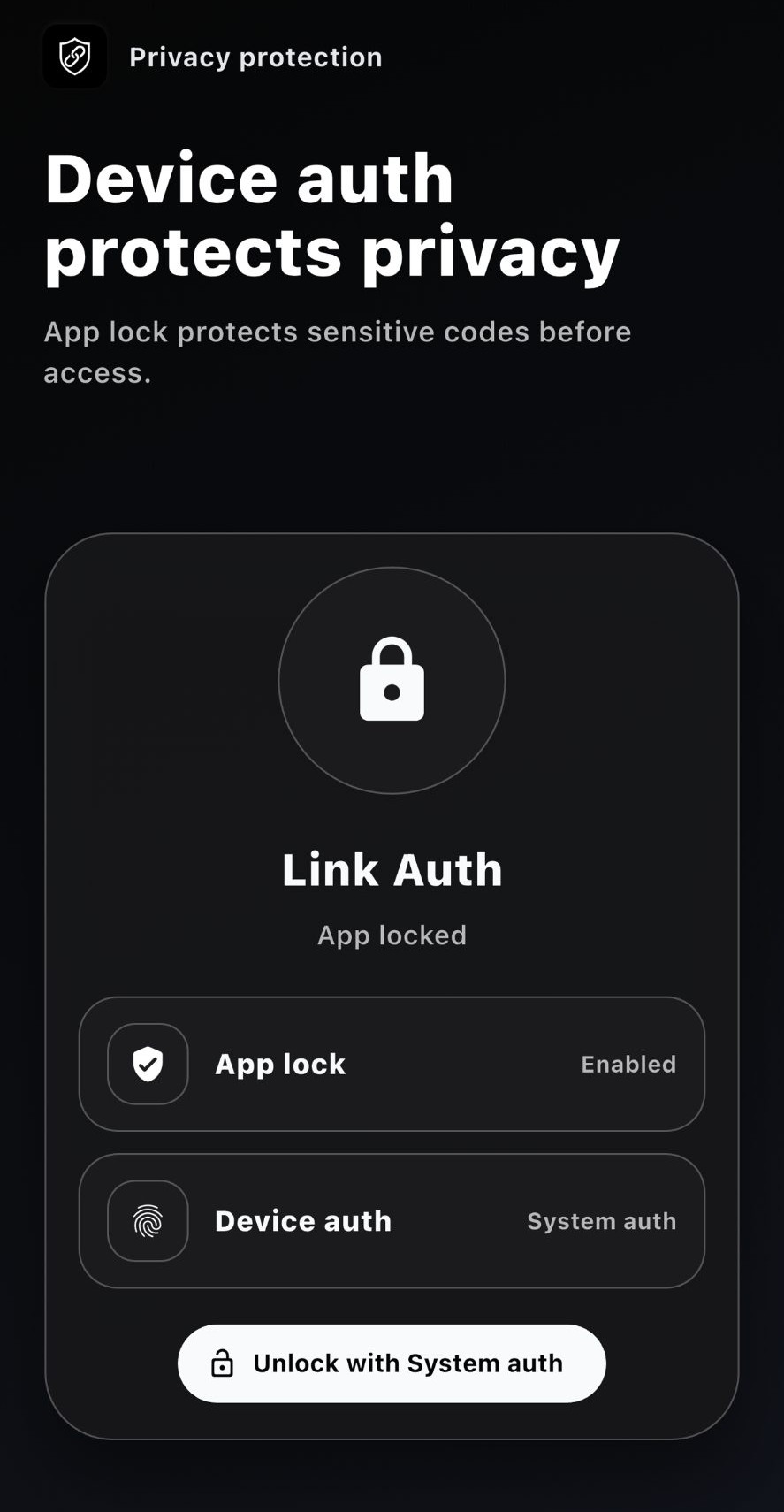
Device verification protects the codes
The app checks who you are before it shows anything. With app lock and device authentication enabled, you must clear the system credential check before a single code becomes visible.
- App lock requires verification before entry
- Device authentication unlocks through the system credential
- Dark and light modes, with a multi-language interface
Where Link Auth is used
From a brokerage IT desk to the trading floor and the client base, the same tool carries the security layer.
Brokerage IT
Issue 2FA to traders and support staff centrally, narrowing the exposed surface of passwords and SMS channels and cutting outages caused by codes that stop working.
Traders and investors
Email, developer tooling, cloud consoles, market data and trading systems in one list, so the right code is never a hunt.
Self-service clients
Clients download from the App Store or the official distribution page and enable 2FA themselves, without waiting for IT to hand-enrol every account.
Security and compliance
App lock and device authentication keep sensitive codes out of the camera roll, and the App Store privacy label confirms no data is collected.
Why Link Auth
Not another generic authenticator, but a companion tool built by LINKSOFT for brokerage and trading workflows.
Let's Talk
Tailored digital solutions for your firm — let's open a new chapter of win-win cooperation.